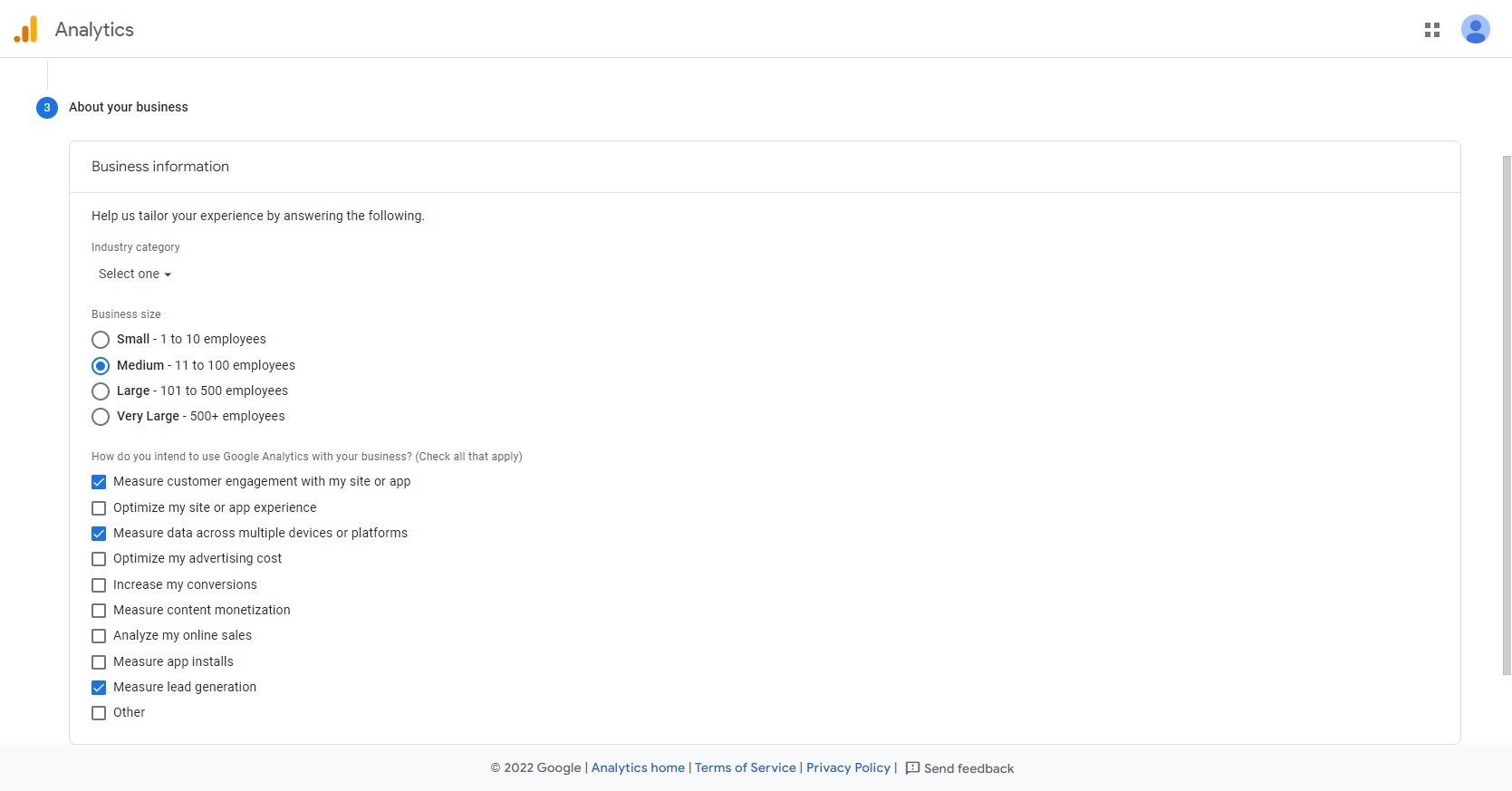
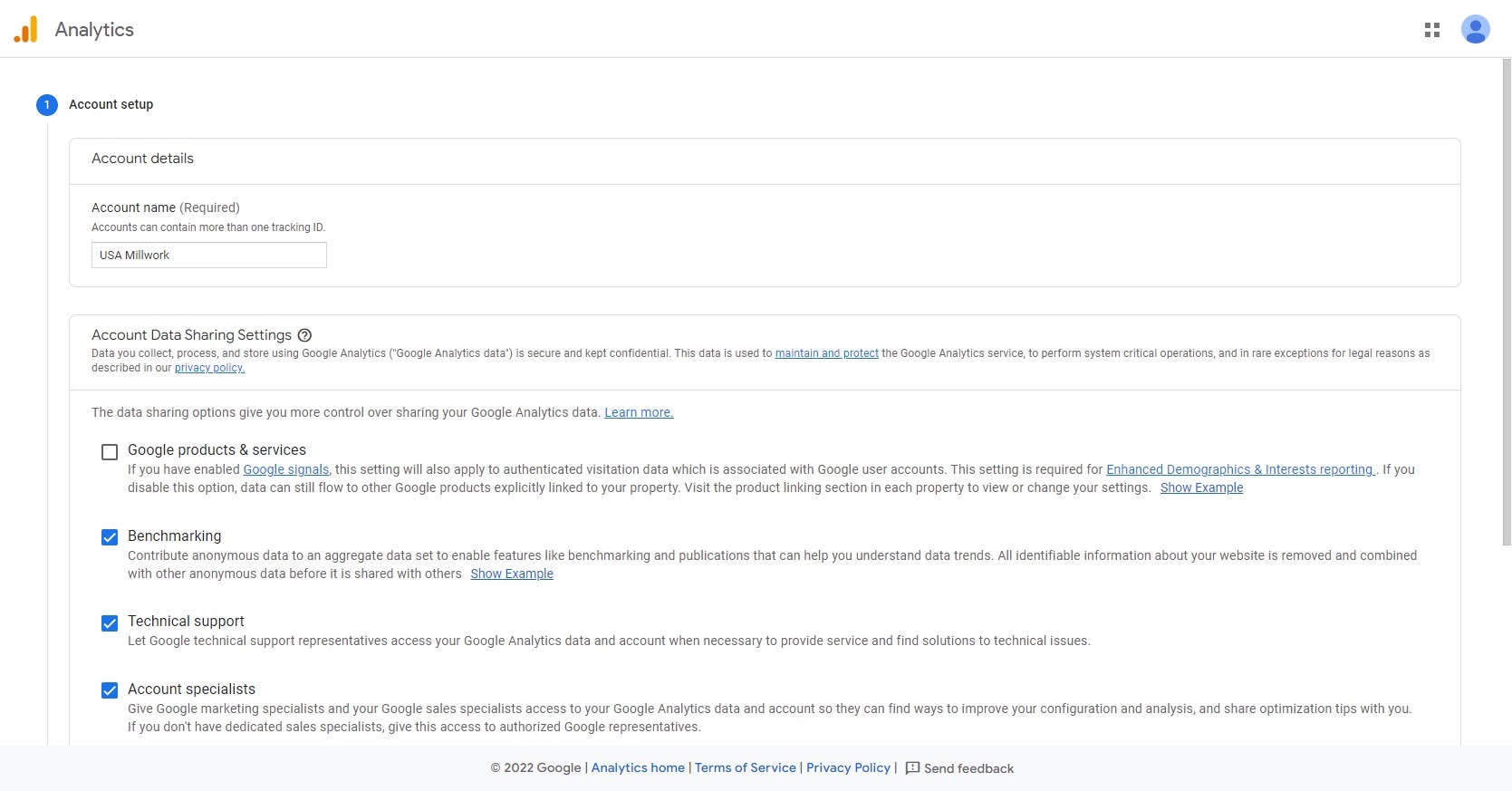
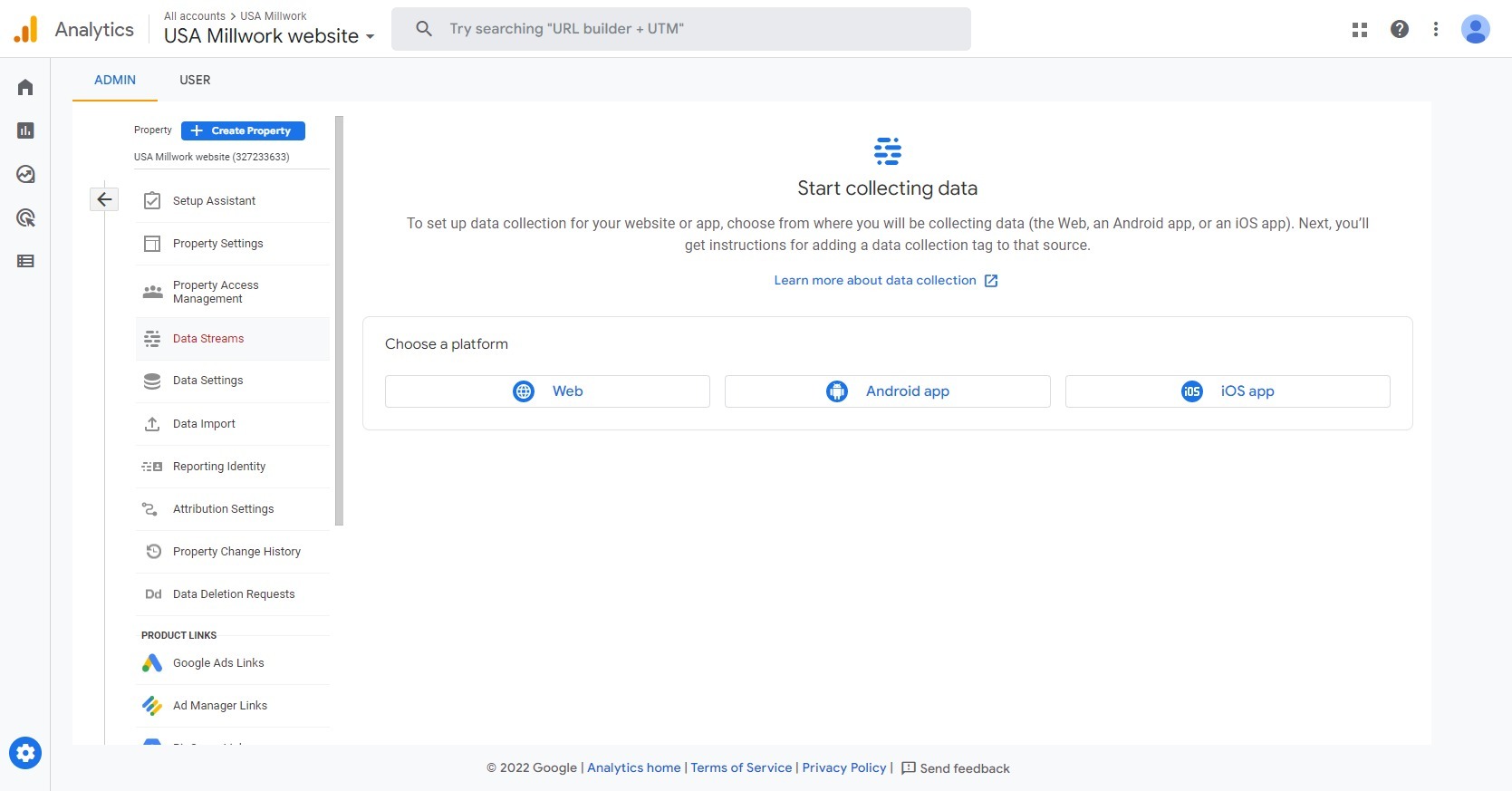
Go to the URL, https://analytics.google.com/ Login Using Google Account created for or provided by client. Start the wizard that’s presented to you by clicking on the button ” Start measuring” Review the following screenshots, the info is basically down to the site itself, so no right or wrong in the choices.
Once the shown 4 steps are down you need to click on ” Website” where you enter the site name and URL and save. Then you presented by the code which you need to add to your site using WP Code or Astra custom layouts in the <head> section and you’re good to go.